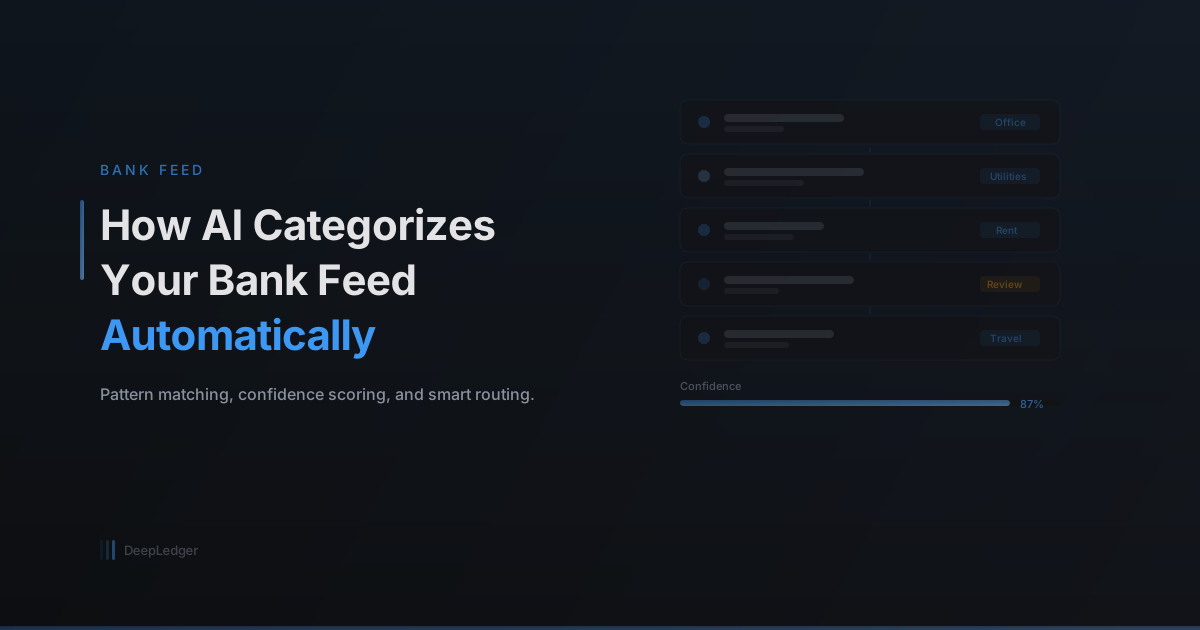
How AI Categorizes Your Bank Feed Automatically
A behind-the-scenes look at how DeepLedger's AI reads bank transactions, matches vendor patterns, scores confidence, and routes uncertain items to your review queue.
From Raw Data to Categorized Transactions
Every day, your clients' bank accounts generate transactions. Each one needs a category in QuickBooks — Office Supplies, Utilities, Professional Services, and so on. For firms managing dozens of clients, this manual categorization is one of the biggest time sinks in bookkeeping.
Here's how an AI agent automates this process end to end.
Step 1: Pulling Transactions
The first step is connecting to the bank. DeepLedger uses Teller, a bank data aggregator, to pull transactions from checking accounts, savings accounts, and credit cards in real time.
Each transaction arrives with a few basic fields:
- Description — The merchant name or memo (e.g., "AMZN Mktp US*1A2B3C")
- Amount — The transaction amount
- Date — When it posted
- Account — Which bank account it came from
That's it. No category, no vendor match, no QuickBooks account. The AI's job is to figure out the rest.
Step 2: Vendor Matching
The agent first tries to identify the vendor. Bank descriptions are notoriously messy — "SQ *BLUE BOTTLE COF" is actually Blue Bottle Coffee.
The agent uses its memory to match descriptions to known vendors. If it's seen "SQ *BLUE BOTTLE" before and the user confirmed it maps to "Blue Bottle Coffee" → "Meals & Entertainment," it applies that same mapping.
For new vendors the agent hasn't seen before, it analyzes the description against common patterns and makes a best guess — but with lower confidence.
Step 3: Confidence Scoring
Not all categorizations are created equal. The agent assigns a confidence score to each decision:
- High confidence (80-100%) — The agent has seen this vendor before, the category was confirmed by a human, and the amount falls within the expected range. These get recorded directly to QuickBooks.
- Medium confidence (50-79%) — The agent has a reasonable guess but isn't certain. Maybe it's a new vendor that looks similar to a known one. These get flagged in the review queue for human approval.
- Low confidence (below 50%) — The agent genuinely doesn't know. It sends a question to the CPA via the portal rather than guessing.
Step 4: Recording or Flagging
Based on the confidence score, the agent takes one of three actions:
- Record directly — Creates the expense in QuickBooks with the matched vendor, category, and date
- Flag for review — Adds the transaction to the review queue with its suggested category and reasoning
- Ask the human — Posts a question in the portal asking the CPA to classify it
Every action — whether it's a direct recording or a flag — gets logged in the audit trail.
Step 5: Learning from Corrections
This is where the system gets smarter over time. When a CPA reviews a flagged transaction and approves or changes the category, the agent updates its memory:
- If the suggested category was correct, confidence in that pattern increases
- If the CPA changed it, the agent learns the correct mapping and applies it next time
After a few months of corrections, most clients' recurring vendors are categorized automatically with high confidence.
The Result
For a typical small business with 150 transactions per month:
- Month 1: ~60% auto-categorized, ~40% needs review
- Month 3: ~80% auto-categorized, ~20% needs review
- Month 6: ~92% auto-categorized, ~8% needs review
The review queue doesn't just shrink — it gets more focused on genuinely ambiguous transactions rather than routine ones the agent already knows.
Why This Beats Bank Rules
QuickBooks has built-in bank rules, but they're rigid: exact-match or contains-match on description text. They break when the bank changes its description format, and they can't handle the nuance of a vendor that bills to multiple expense categories.
An AI agent understands context. It can recognize that "AMZN Mktp" is probably office supplies for Client A (who runs a consulting firm) but inventory for Client B (who runs an e-commerce business) — because it has separate memory for each client.
That level of contextual categorization is something bank rules will never achieve.
Ready to automate your bookkeeping?
Get started free