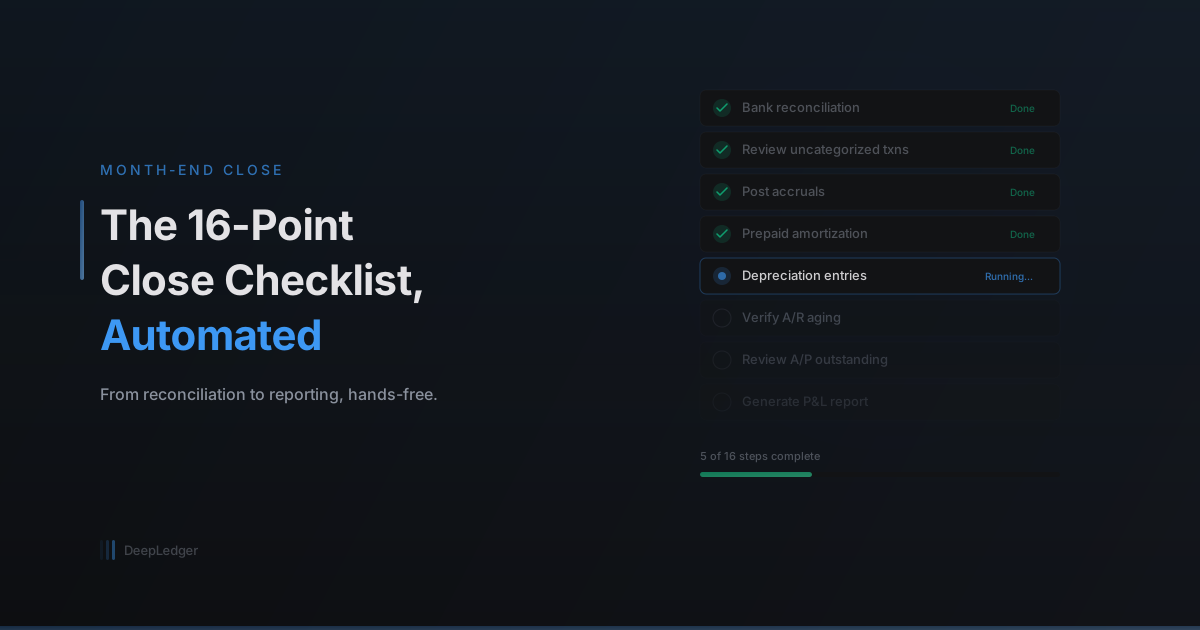
The 16-Point Month-End Close Checklist, Automated
Month-end close is tedious but critical. Here's how AI can handle each step — from bank reconciliation to anomaly detection — while keeping you in control.
Why Month-End Close Still Takes Too Long
For most bookkeepers, month-end close is a multi-day process. You're reconciling bank accounts, reviewing uncategorized transactions, posting accruals, verifying outstanding invoices, and generating reports — all under deadline pressure.
It's not that any single step is hard. It's that there are sixteen of them, they all need to happen in sequence, and missing one can throw off the financials.
An AI agent can automate the repetitive steps and surface only the items that need your judgment.
The 16-Point Checklist
Here's a standard month-end close checklist and how AI handles each step:
1. Categorize All Bank Transactions
The agent processes the bank feed, auto-categorizing known vendors and flagging unknowns. By the time you start the close, most transactions are already booked.
2. Reconcile Bank Accounts
The agent compares the bank statement balance to QuickBooks, identifies discrepancies, and highlights uncleared transactions that might need attention.
3. Reconcile Credit Card Accounts
Same process as bank reconciliation, applied to all credit card accounts. The agent flags any charges that don't have corresponding expense records.
4. Review Accounts Receivable
The agent pulls the AR aging report and highlights invoices that are past due. It can also identify patterns — like a customer who consistently pays late.
5. Review Accounts Payable
Outstanding bills are surfaced with their due dates. The agent flags any bills that are past due or that don't match expected recurring amounts.
6. Post Accrued Expenses
For known recurring accruals (like monthly rent that hasn't been billed yet), the agent creates the journal entries. For unusual accruals, it flags them for your review.
7. Amortize Prepaid Expenses
If a client prepaid insurance or another annual expense, the agent calculates the monthly amortization amount and posts the journal entry.
8. Record Depreciation
Based on the fixed asset schedule, the agent posts monthly depreciation entries. It uses the depreciation method and useful life set up in the asset records.
9. Review Payroll Entries
The agent verifies that payroll entries for the month are complete and match the payroll provider's reports. Discrepancies are flagged.
10. Reconcile Intercompany Transactions
For clients with multiple entities, the agent checks that intercompany transfers net to zero and flags imbalances.
11. Review Revenue Recognition
The agent checks that revenue is recorded in the correct period, flagging any invoices dated in a prior period that were booked in the current month.
12. Verify Sales Tax
Sales tax collected is compared against sales tax owed. The agent highlights any discrepancies between what was charged and what's in the liability account.
13. Run Anomaly Detection
The agent scans all transactions for the month against historical baselines. Unusual amounts, new vendors with large charges, and duplicate payments are flagged.
14. Generate Trial Balance
The agent pulls the trial balance and checks that debits equal credits. Any imbalance triggers an alert.
15. Generate Financial Statements
P&L, Balance Sheet, and Cash Flow statements are generated and compared to the prior month and prior year. Significant variances are highlighted with explanations.
16. Lock the Period
Once all steps pass, the agent recommends locking the period in QuickBooks to prevent backdated entries.
What You Still Do
Even with AI handling the execution, the accountant's role is critical:
- Review the anomaly flags — The agent catches unusual items, but you decide if they're legitimate
- Approve journal entries — Accruals, depreciation, and amortization entries go through your review queue
- Sign off on financials — The final statements need your professional judgment
- Communicate with the client — If something needs explanation, that's your conversation to have
The Time Savings
A close that used to take 4-6 hours per client can be reduced to 30-60 minutes of review time. The agent does the prep work; you do the judgment work.
For a firm with 30 clients, that's potentially 100+ hours saved every month — time that can be redirected to advisory services, client relationships, or simply not working weekends.
Ready to automate your bookkeeping?
Get started free