What Is MCP and Why It Matters for Accounting
The Model Context Protocol is changing how AI tools connect to business systems. Here's what it means for accounting firms and why it's a big deal.
A New Way for AI to Talk to Software
If you've been following AI news, you might have heard about MCP — the Model Context Protocol. It sounds technical (and it is), but the implications for accounting are significant.
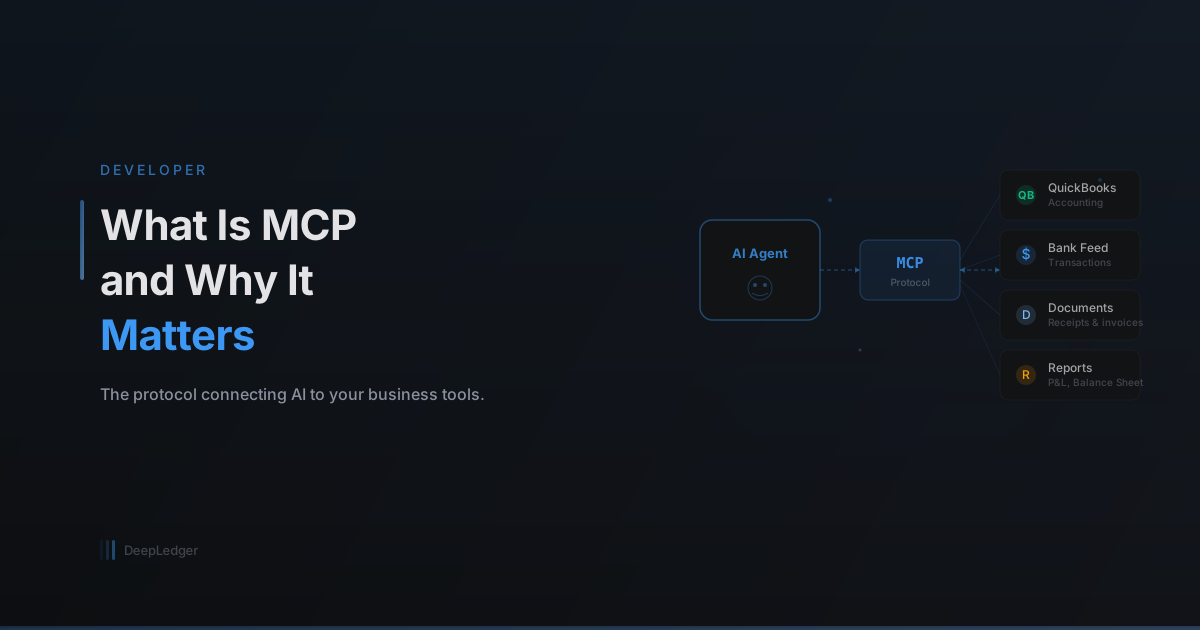
In simple terms, MCP is a standard that lets AI assistants connect to external tools and data sources. Instead of an AI that can only read and write text, MCP-enabled AI can read your QuickBooks data, create invoices, categorize transactions, and generate reports — all through a structured, secure interface.
How It Worked Before MCP
Before MCP, connecting AI to business software meant building custom integrations for each combination:
- Want AI to work with QuickBooks? Build a QuickBooks integration.
- Want it to also work with Xero? Build a separate Xero integration.
- Want it to read bank data? Build another integration.
Each integration was fragile, expensive to maintain, and locked to a specific AI provider. If you built an integration for ChatGPT, it didn't work with Claude or other AI tools.
What MCP Changes
MCP creates a universal protocol — like USB for AI tools. An MCP server exposes a set of tools (like "create invoice" or "fetch bank transactions") that any MCP-compatible AI client can use.
This means:
- One integration, many AI clients — Build an MCP server for QuickBooks once, and it works with Claude Desktop, ChatGPT, and any other MCP client
- Structured tool definitions — Each tool has a clear schema defining its inputs and outputs, so the AI knows exactly what data to provide
- Security built in — Authentication and authorization are part of the protocol, not bolted on after the fact
Why Accountants Should Care
For accounting firms, MCP means three things:
1. AI That Actually Does the Work
With MCP, an AI agent doesn't just tell you what to do — it can execute the action. When it says "I'll categorize these 50 transactions," it actually creates the records in QuickBooks through the MCP server. No copy-pasting, no manual data entry.
2. Consistent Behavior Across Tools
Whether you're using Claude Desktop, Claude.ai, or ChatGPT, the MCP server provides the same tools with the same behavior. The accounting logic lives in the server, not in the AI model's training data.
This means you get reliable, consistent bookkeeping regardless of which AI client your team prefers.
3. Audit Trail by Design
Every MCP tool call is logged — what was called, with what parameters, and what result it returned. This gives you a complete audit trail of every action the AI took, which is essential for compliance and quality control.
How DeepLedger Uses MCP
DeepLedger is built as an MCP server. It exposes 20+ tools for QuickBooks operations:
- Transaction tools — Create expenses, bills, invoices, journal entries
- Query tools — Fetch transactions, run reports, check balances
- Intelligence tools — Categorize bank feeds, detect anomalies, check agent memory
- Communication tools — Flag items for review, ask the CPA questions
These tools are available to any MCP-compatible AI client. You can use them through Claude Desktop (as a plugin), through Claude.ai (as a connector), or through any other client that supports the MCP standard.
The Bigger Picture
MCP is still early, but the direction is clear: AI tools are moving from "chat about accounting" to "do the accounting." The protocol ensures this happens in a structured, secure, and auditable way.
For firms evaluating AI tools, the question isn't just "does it use AI?" — it's "can it actually connect to and operate on my clients' financial data?" MCP is the infrastructure that makes that possible.
Ready to automate your bookkeeping?
Get started free